 Synkbay
No more “Could not connect” mysteries
If another app is using your phone, Synkbay tells you which one and offers to quit it. It releases the phone from macOS Image Capture, and connects on its own as soon as the phone is free.
Transfer files from Android to Mac over USB. Browse, drag and drop, and sync, with automatic reconnection and no cloud account or app on the phone. With Pro, transfers resume after you unplug.
Downloads open soon, with Synkbay 1.0.
Free core features, forever. Try each Pro feature 3 times for free, whenever you first need it, with no payment details or account.
For Macs with macOS 14.4 or later: Apple silicon, and Intel (not yet tested).

Most Android to Mac file transfer trouble isn't about speed. It's a phone another app is holding, a cable that slips out, a copy cut off halfway. Synkbay doesn't just report these problems. It recovers from them, and with Pro it resumes the copy where it stopped.
If another app is using your phone, Synkbay tells you which one and offers to quit it. It releases the phone from macOS Image Capture, and connects on its own as soon as the phone is free.
Unplugged your phone halfway through? Synkbay finds the phone again when you reconnect, finds each file by its path, and carries on with the transfers that were running or waiting.
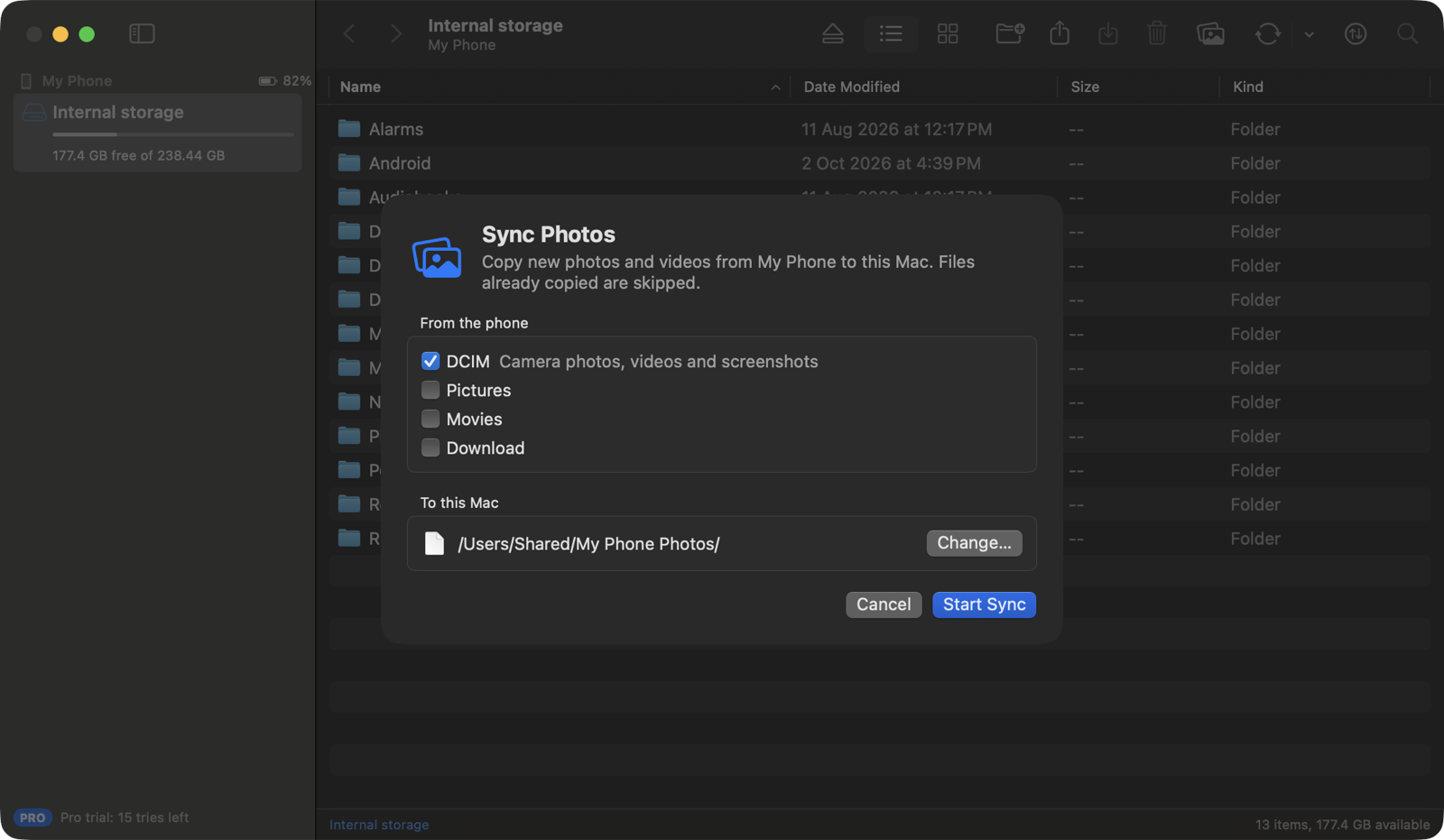
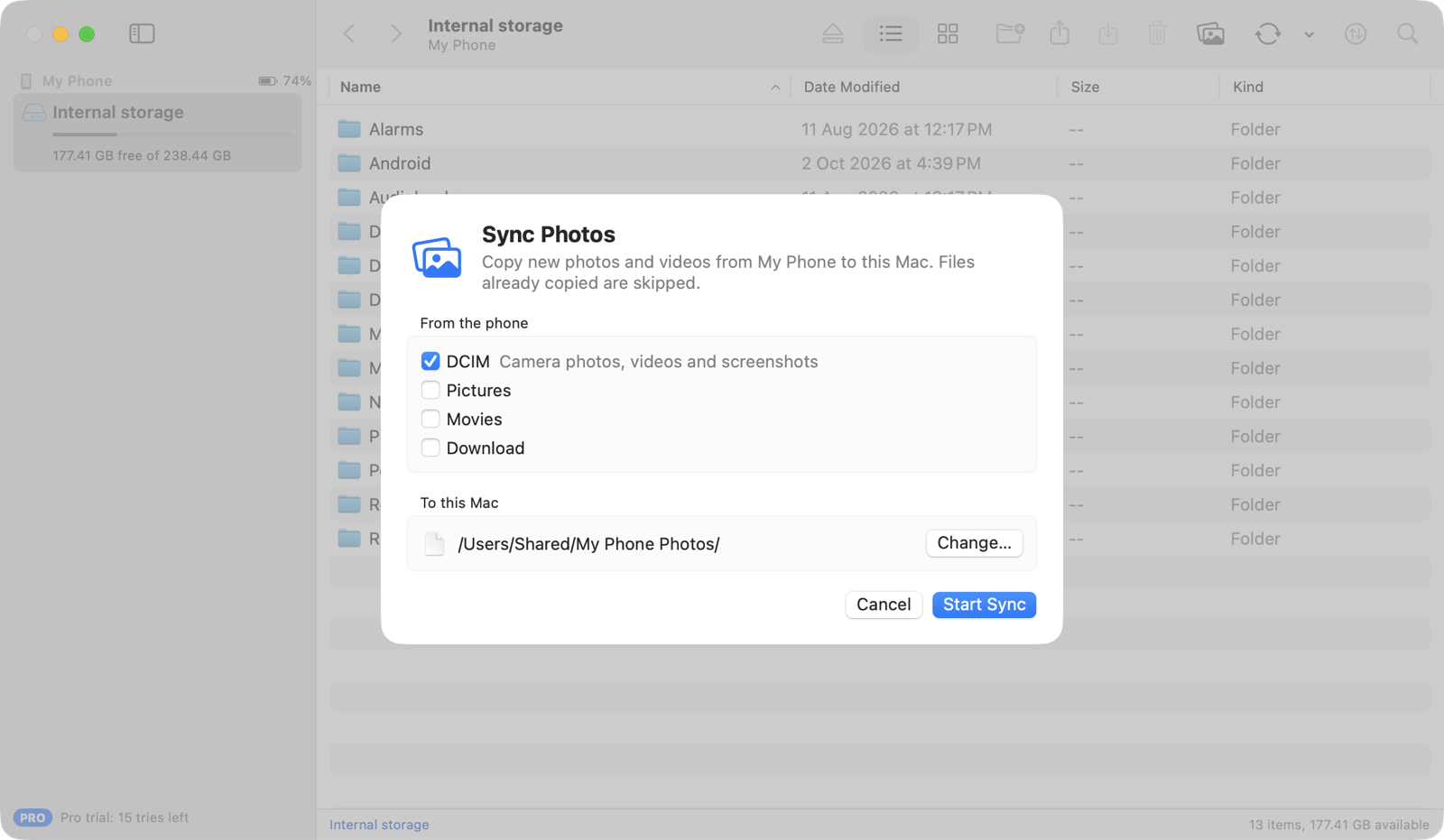
Folders with thousands of photos open quickly, with thumbnails, search and sorting. With Pro, Photo Sync copies only the photos and videos that are new since last time.
Your files travel through the cable, not through somebody else's cloud. No account, no Wi-Fi, no app on the phone, and no access to your messages, contacts or notifications.
Built natively in Swift with Apple's frameworks, with the shortcuts, panels and appearance you expect from a Mac app.
Drop files from Finder onto the phone, or drag them out of Synkbay onto the desktop or into any app. Whole folders, files over 4 GB, and the dates from the phone come along.
⌘U Upload ⌘V Paste from Finder
If another app is holding the phone, Synkbay names it and offers to quit it. It waits while the phone is locked, and connects the moment the phone is free.
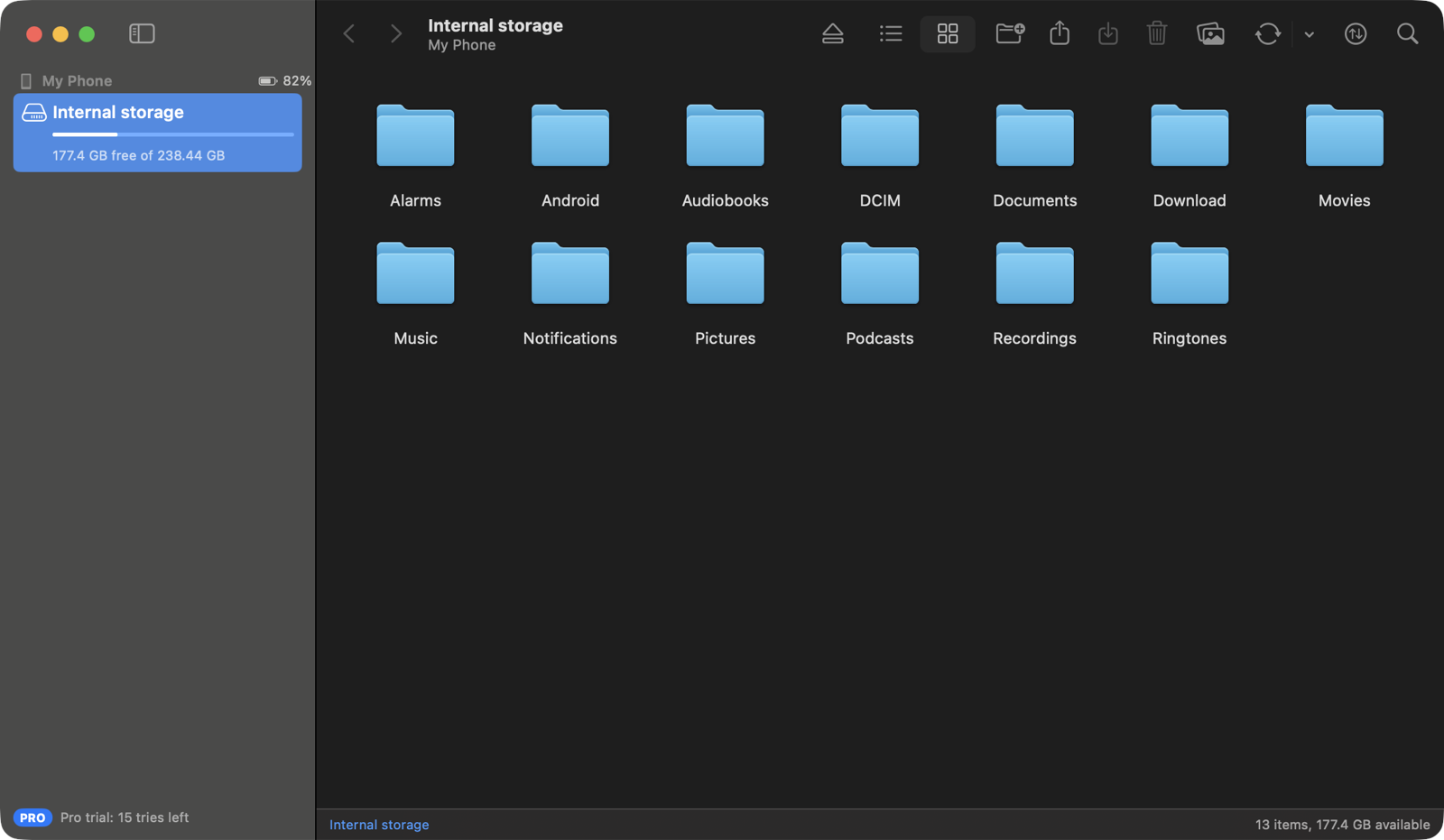
Internal storage and SD cards side by side, in a sortable list or as icons with photo and video thumbnails. Search one folder or everything inside it.
Progress, speed and time left for each file, with cancel, retry and Show in Finder. Cancel any time without leaving half a file behind, and each phone keeps its own history.
⌥⌘T Show Transfers

Photo Sync copies only the photos and videos that are new since last time. Sync folders keep a phone folder and a Mac folder in step, one way, in the direction you choose, when the phone connects. Nothing is ever deleted.
Folders and files wear Finder's own icons, in the folder colour you picked for your Mac. The shortcuts you already know, Quick Look with Space, Open and Save panels, Show in Finder, and light and dark appearance. Eject releases the phone so it's safe to unplug, and asks first if anything is still copying.
Synkbay follows your Mac's appearance, or you can pick Light or Dark in Settings.
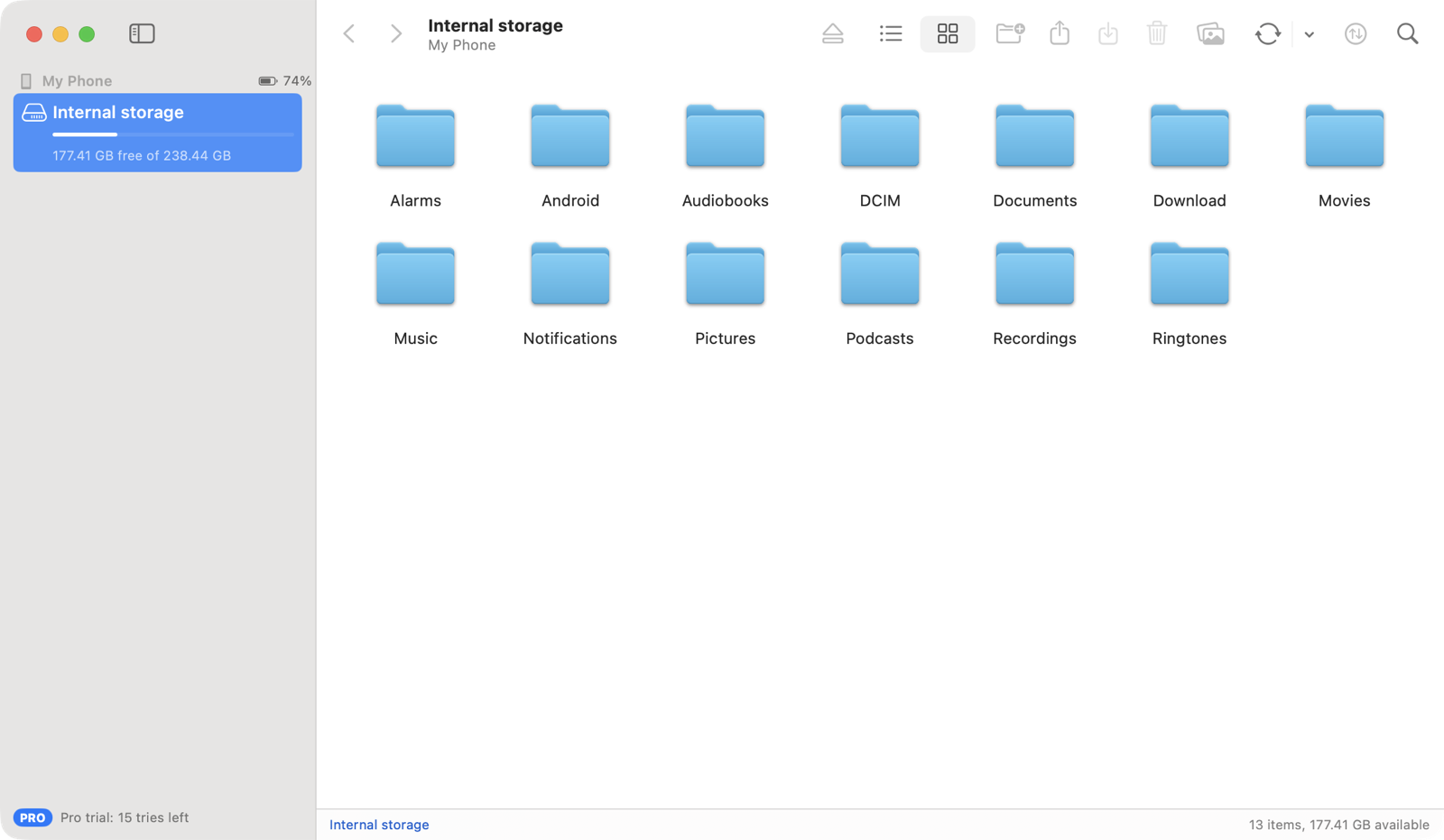
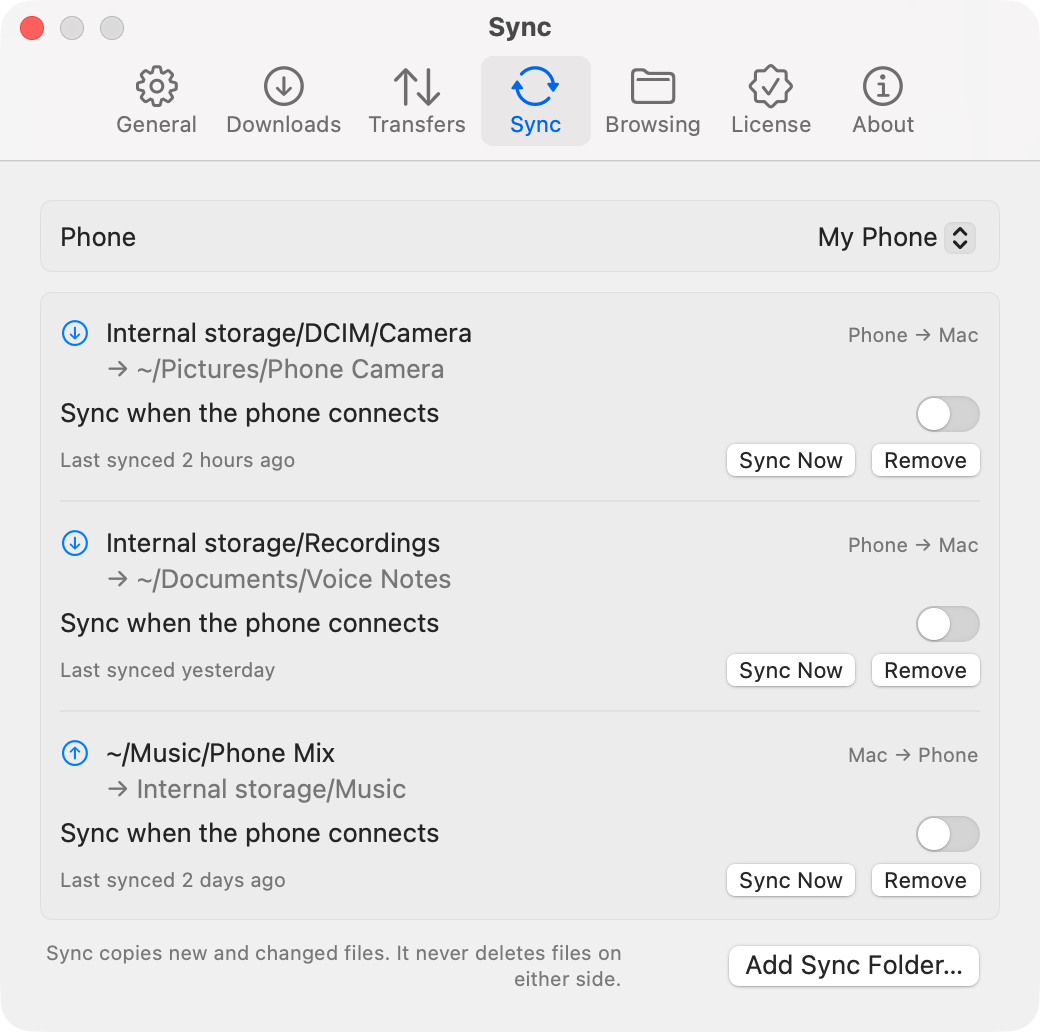
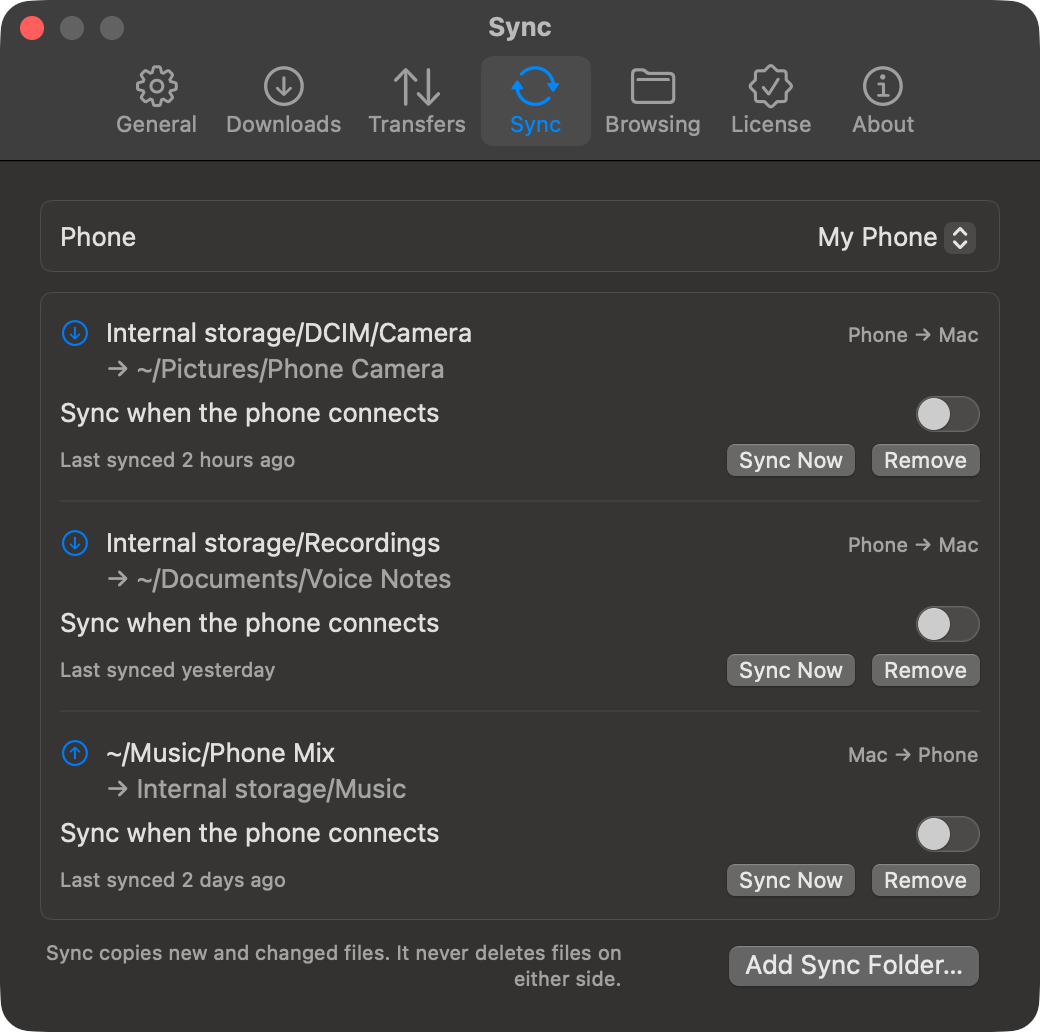
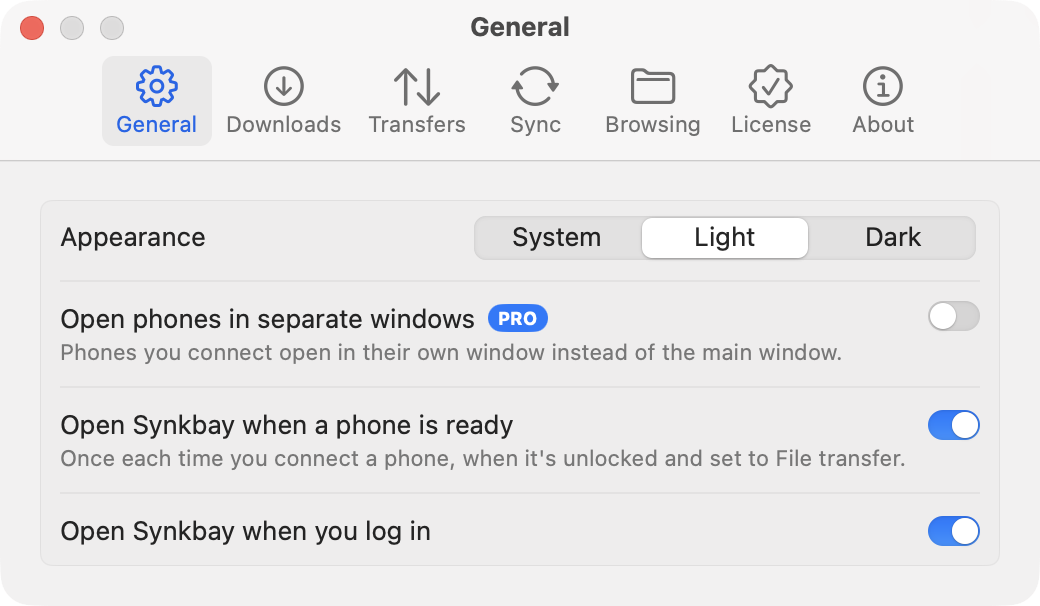
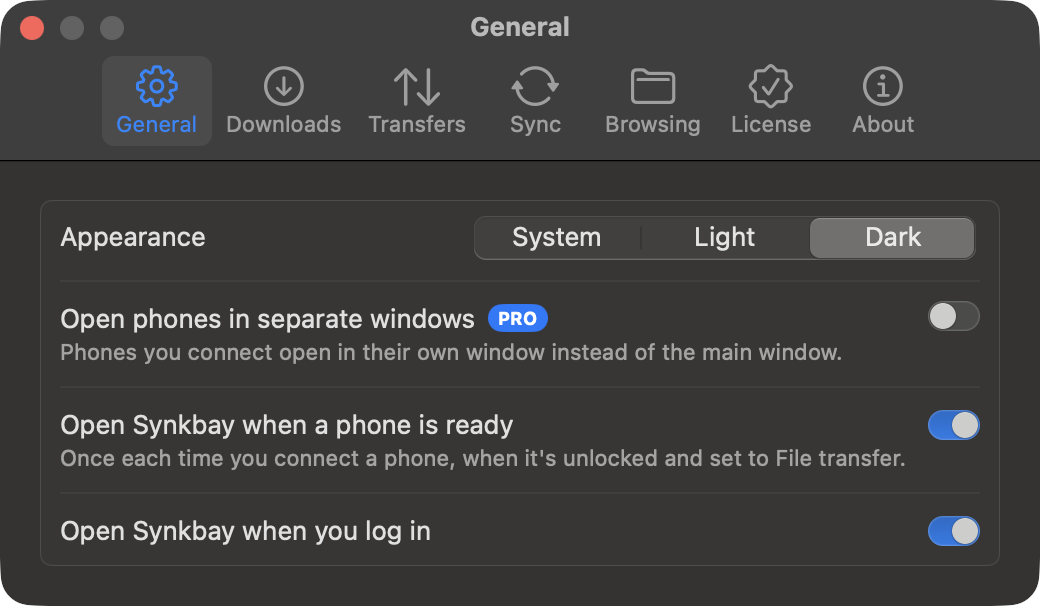
Synkbay talks to the phone the way Android expects a computer to, so there's nothing to install on the phone.
Use a USB cable that carries data, not just power. Synkbay finds the phone by itself.
Android hides its files while the phone is locked. Synkbay waits and connects as soon as you unlock.
Tap the USB notification on the phone and pick File transfer. After that, your files appear in Synkbay.
Built for folders containing thousands of photos, not just occasional file copies. Camera folders are where phone transfer usually gets slow, so that's where Synkbay is tuned and tested.
to open a Camera folder of 1,394 files, down from 8.5 s in earlier versions of Synkbay.
downloading a 100 MB video to the Mac.
uploading a 50 MB file to the phone.
Measured with a recent Android phone and a standard USB cable: the download speed is close to the most such a cable allows. Speeds vary with the phone, cable and port.
Upload and download both ways without a subscription. Browsing, two-way copying, drag and drop and reconnect handling are free, with no time limit. Pro adds sync, resumable transfers and several phones. Try each Pro feature 3 times for free, whenever you first need it, with no payment details or account.
| Feature | Free | Pro |
|---|---|---|
| Browse internal storage and SD cards | ✓ | ✓ |
| Upload, download, drag and drop both ways | ✓ | ✓ |
| New folder, rename, delete, thumbnails, search | ✓ | ✓ |
| Transfers panel, safe name clashes, eject | ✓ | ✓ |
| Busy-phone handling and automatic reconnection | ✓ | ✓ |
| Battery level, phone nicknames and Phone Info | ✓ | ✓ |
| Transfer history and return to the last folder | ✓ | ✓ |
| Photo SyncNew photos and videos from DCIM to a Mac folder | – | ✓ |
| Folder syncOne way, in the direction you choose; automatic or on demand; never deletes | – | ✓ |
| Resume transfers after unplugging | – | ✓ |
| More than one phone at a time | – | ✓ |
| A window for each phone | – | ✓ |
Your files go straight from the phone to the Mac over the cable, never through the internet. Synkbay checks synkbay.com for updates and refunded licenses, and never sends anything about you, your Mac or your phone.
A Swift app that talks to the phone directly through IOUSBHost, Apple's own USB framework, with no third-party libraries, drivers or system extensions. It speaks MTP, the protocol Android uses for File transfer.
Connect the phone to your Mac with a USB cable, unlock it, and choose File transfer in the phone's USB notification. Synkbay shows the phone's storage like a Finder window: drag files to the Mac, or drag files from Finder onto the phone. To copy photos from an Android phone to your Mac, open the DCIM folder, or use Photo Sync to copy only the new ones. See Synkbay Help for each step.
Yes. Synkbay does the same job, copying files between an Android phone and a Mac over USB, as a native Mac app, with drag and drop to and from Finder, Quick Look, transfers that resume after unplugging, and photo and folder sync. Synkbay is not affiliated with Google. If Android File Transfer is installed, quit it while you use Synkbay: only one app can use the phone at a time.
Macs with macOS 14.4 or later. Synkbay is a native app for Apple silicon, and it also runs on Intel Macs, though we haven't tested it on one yet. If you try it on an Intel Mac, we'd like to hear how it goes.
It's a native Mac app, written in Swift on Apple's own USB framework, with no drivers or system extensions to install. When another app is holding the phone, Synkbay names it and offers to quit it, instead of failing with a vague error. You can drag files to and from Finder, preview them with Quick Look, and see every copy in the Transfers panel. With Pro, copies resume after you unplug, and Photo Sync and sync folders copy only what's new.
Download the new version from this website and replace the app in your Applications folder. Your settings, history and license stay. Synkbay tells you when a new version is out, in its menu and window; it checks this website when it starts and once a day.
No. Synkbay uses Android's built-in File transfer mode. Choose it from the USB notification when you plug the phone in.
The first time you open Synkbay, macOS may block it. Open System Settings → Privacy & Security, scroll down, and click Open Anyway next to Synkbay. You only need to do this once.
macOS has no built-in support for Android's File transfer mode, so the phone doesn't appear in Finder; it appears in Synkbay. Unlock the phone and check the USB notification says File transfer, not Charging only. If another app is using the phone, Synkbay names it and offers to quit it. Some cables only charge; try another if nothing appears.
The transfer stops and shows "Phone disconnected". With Pro, it continues when you plug the phone back in and unlock it: Synkbay finds the phone by its serial number and each file by its path. To avoid it altogether, press Eject (⌘E) before unplugging.
No. Sync copies new and changed files in one direction and never deletes anything on either side. If the destination already has a different file with the same name that Synkbay didn't put there, it's left alone and reported. A changed file on the phone is replaced only once the new copy is complete.
No. Synkbay works over a USB cable, which keeps your files off the network and copes well with large folders and long videos. It works the same with no Wi-Fi at all.
No. Synkbay works with files only: the storage your phone shares in File transfer mode. There's no app on the phone, and nothing asks for access to your contacts, messages, calls, notifications, camera or screen.
No. There's no sign-in and no cloud. The free features work forever, each Pro feature can be tried 3 times, and a Pro license key is checked on your Mac, offline.
You pay once and get a license key for every 1.x version. Activate it within 7 days of receiving it: click the link in the email, or paste the key into the License tab in Synkbay's Settings. If you miss the 7 days, the key expires and Purchase Help sends you a new one, free. Activation ties the license to your Mac and is checked on your Mac, so it works offline. Moving to a new Mac? Request a new key in Purchase Help, up to twice a year; the old key stops working 7 days later.
No. macOS already handles iPhone through Finder, Photos, Image Capture, and AirDrop.
Choose Help → Export Diagnostics… in Synkbay and attach the zip it saves to your email. It has the versions, the phone model, connection state, recent errors and any crash reports, so you don't need Terminal. Serial numbers, license details, your user name and file names are left out.
The disk image includes Uninstall Synkbay.command. It removes the app, its login item, settings, and history. Files you downloaded or synced stay where they are.
Questions about buying or licenses? See Buying questions.